Wahoo · Cycling & fitness
Wahoo TRACKR Speed battery
1 × 3V lithium coin cell
How to replace it
| How to open | Remove pod from mount; rotate battery door counter-clockwise with a coin, then lift |
|---|---|
| Tools | Coin (thicker coin such as US nickel) |
| Orientation | Positive (+) side facing you |
| Notes | Re-insert door and rotate clockwise until secure. |
| Access | Tool-free |
Important
- Wahoo does not recommend bitter/child-deterrent coated CR2032 cells (e.g. some Duracell) — may reduce performance.
Sources
Helpful for this device
Optional tools for opening, testing or charging. They do not change which battery you need.
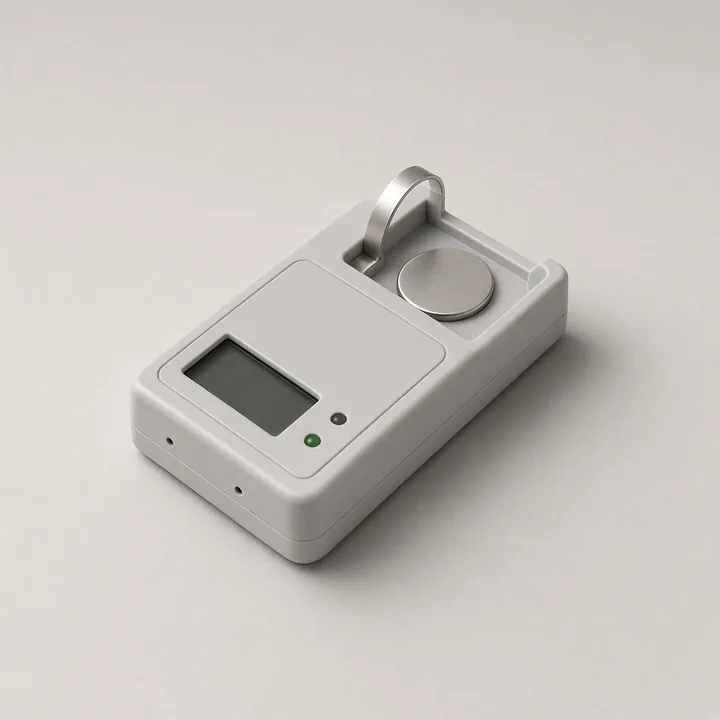 Coin cell / button cell battery tester
Quick check of CR / LR / SR button and coin cells before fitting
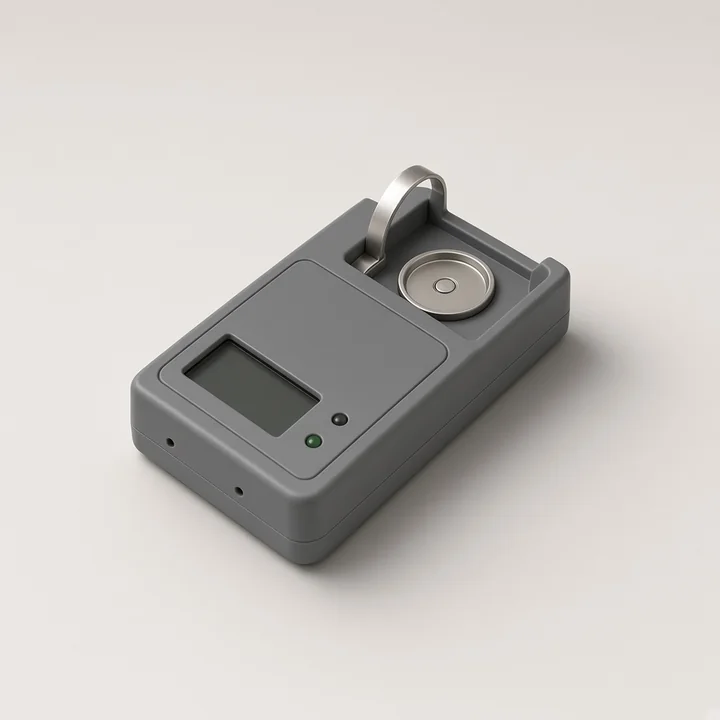 Watch and silver-oxide button cell tester
Go/no-go checks on SR / 3xx watch cells as well as common CR coins — confirm the tray lists silver-oxide sizes
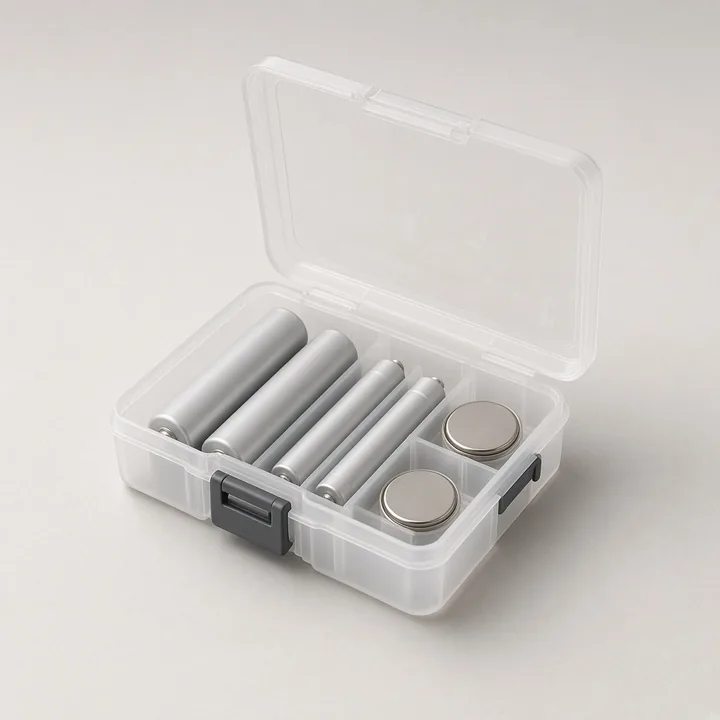 Battery storage / organiser
Keep spare cells sorted and prevent coin-cell shorts
New battery but still not working?
A fresh 1 × CR2032 should restore Wahoo TRACKR Speed if the battery was the problem. Work through the checks below before replacing the device.
- Check orientation
Confirm the cell is seated correctly: Positive (+) side facing you
- Check the contacts
Wahoo does not recommend bitter/child-deterrent coated CR2032 cells (e.g. some Duracell) — may reduce performance.
3 more checks
- Check the battery type
This device needs 1 × CR2032 (lithium). Rechargeable cells are not supported for this device. Same size does not always mean the same battery.
- Confirm the battery itself
For most coin cells, fitting a known-good fresh cell of the correct code is simpler than capacity testing.
- Still not responding?
If a correct, fresh battery installed properly does not restore the device, the fault may be elsewhere — the device may need service or replacement.