Cycling & fitness
Polar H9 battery
1 × 3V lithium coin cell
How to replace it
| How to open | Lever battery cover open using the clip on the strap |
|---|---|
| Orientation | Positive (+) side downwards (inside the cover) |
| Notes | Use only CR2025. Ensure cover snaps closed for waterproofness. |
| Tools | Strap clip (included) |
| Seal / O-ring | Red silicone sealing ring (O-ring 20.0 × 0.90) must be intact — replace if damaged |
| Re-pair / reset | Yes |
| Re-pair after change | Yes |
| Access | Tool-free |
| Gasket / O-ring present | Yes |
Important
- CR2025 only
- Do not substitute CR2032 — Polar specifies CR2025 only.
- Re-pairing may be required after battery change on H9 firmware earlier than 1.2.1.
Sources
Helpful for this device
Optional tools for opening, testing or charging. They do not change which battery you need.
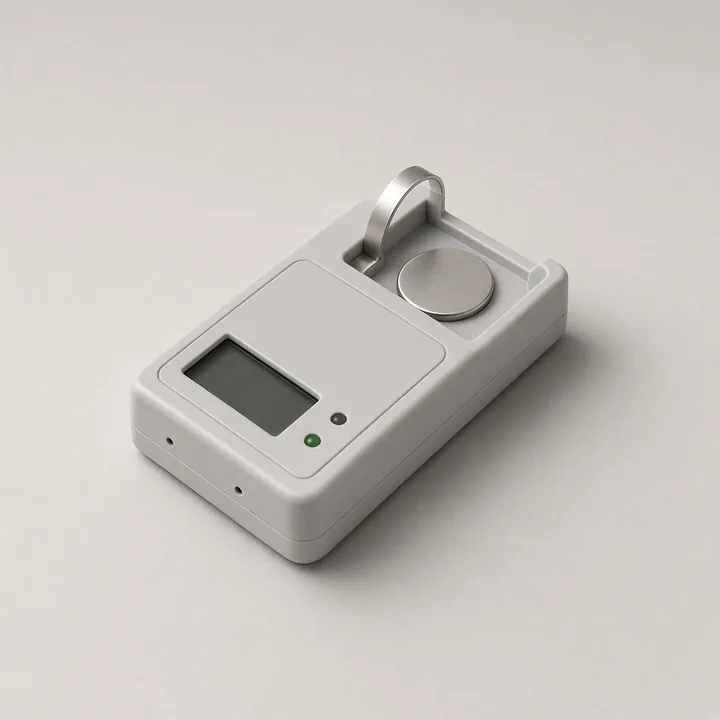 Coin cell / button cell battery tester
Quick check of CR / LR / SR button and coin cells before fitting
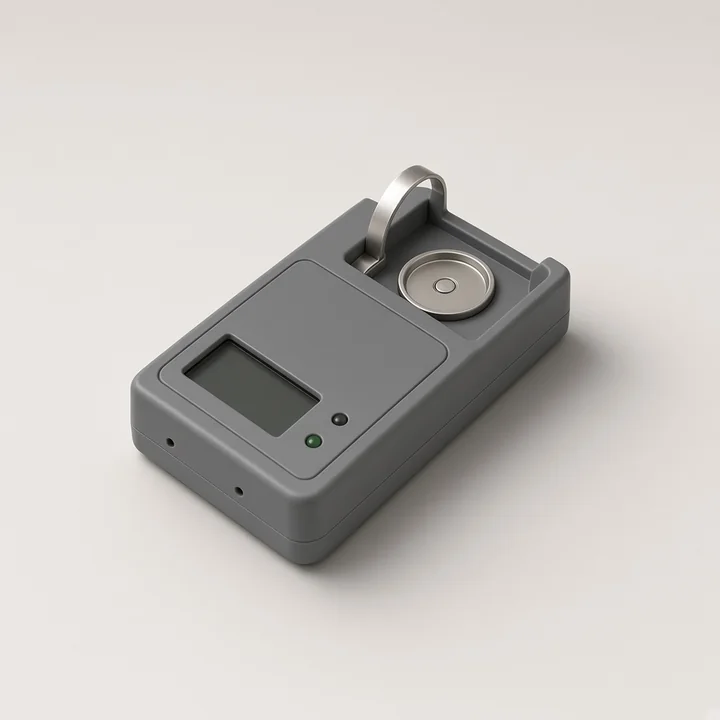 Watch and silver-oxide button cell tester
Go/no-go checks on SR / 3xx watch cells as well as common CR coins — confirm the tray lists silver-oxide sizes
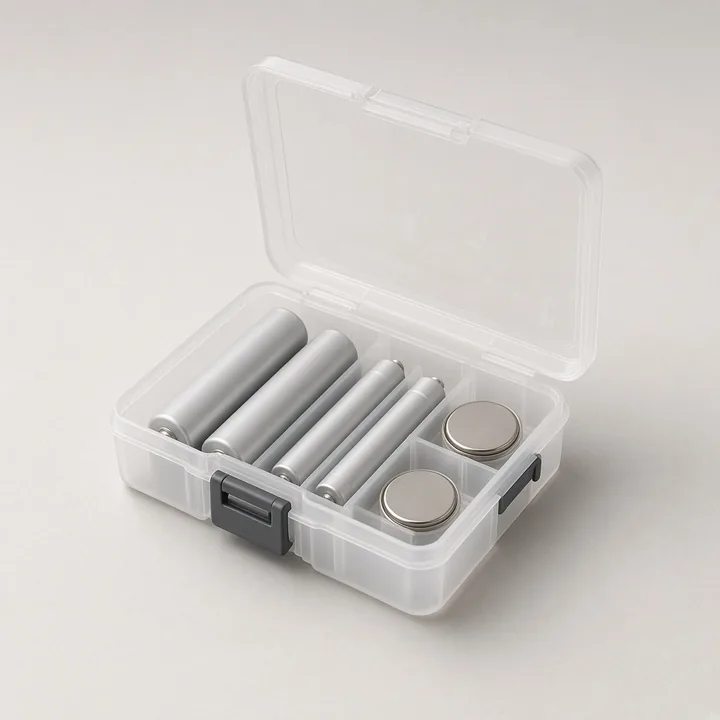 Battery storage / organiser
Keep spare cells sorted and prevent coin-cell shorts
New battery but still not working?
A fresh 1 × CR2025 should restore Polar H9 if the battery was the problem. Work through the checks below before replacing the device.
- Check orientation
Confirm the cell is seated correctly: Positive (+) side downwards (inside the cover)
- Check the battery type
This device needs 1 × CR2025 (lithium). Rechargeable cells are not supported for this device. Same size does not always mean the same battery.
3 more checks
- Check known model-specific issues
Re-pairing or a short reset may be required after a battery change. Red silicone sealing ring (O-ring 20.0 × 0.90) must be intact — replace if damaged CR2025 only Do not substitute CR2032 — Polar specifies CR2025 only. Re-pairing may be required after battery change on H9 firmware earlier than 1.2.1.
- Confirm the battery itself
For most coin cells, fitting a known-good fresh cell of the correct code is simpler than capacity testing.
- Still not responding?
If a correct, fresh battery installed properly does not restore the device, the fault may be elsewhere — the device may need service or replacement.