Remotes & audio
Roku Voice Remote battery
2 × 1.5V alkaline cell
Short answer: two AAA cells for the standard Roku Voice Remote. If your remote charges over USB-C and has no AAA door, it is Voice Remote Pro — charge it instead of buying AAA. Confirm the underside label before you purchase.
How to replace it
| How to open | On the back of the remote, slide open the battery cover. Insert two AAA batteries placing the negative (-) ends in first. Close the cover. Pairing may be required after battery change on some players. |
|---|---|
| Orientation | Negative (−) ends first as marked in compartment |
| Re-pair / reset | Yes |
| Re-pair after change | Yes |
| Notes | Confirm Voice Remote (replaceable AAA) — not Voice Remote Pro (sealed rechargeable). Roku: use consumer-grade non-rechargeable carbon-zinc or alkaline AA/AAA as indicated in the compartment. |
| Access | Tool-free |
Important
- Identify Voice Remote by model (e.g. RCAL7R) — Voice Remote Pro is sealed rechargeable, not 2× AAA.
- Check the compartment marking: some Roku remotes use AA instead of AAA.
Sources
Helpful for this device
Optional tools for opening, testing or charging. They do not change which battery you need.
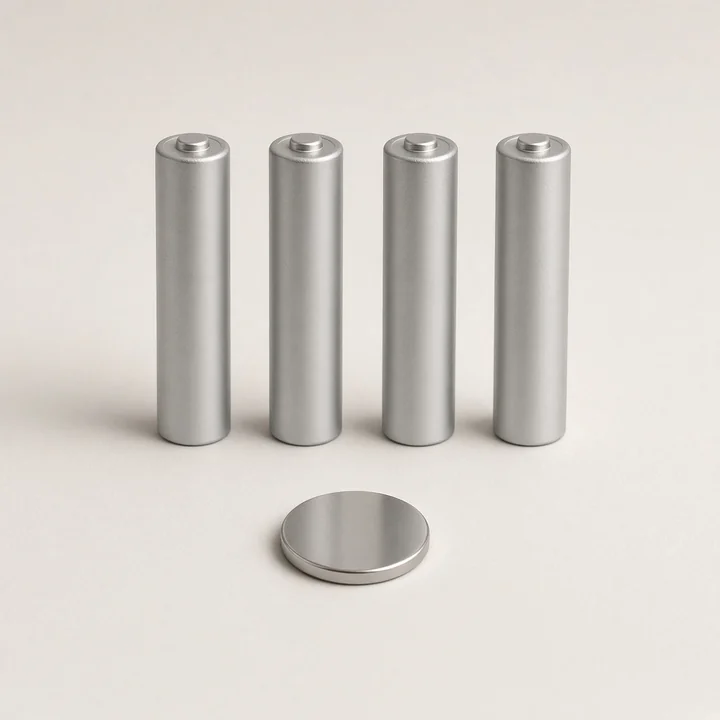 Panasonic eneloop AAA (LSD NiMH)
Replacement AAA cells when the device accepts NiMH
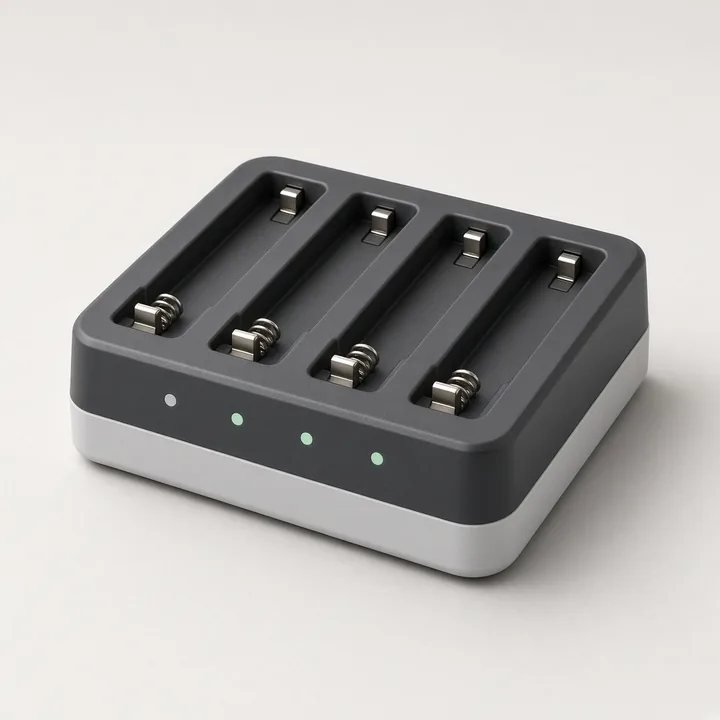 Panasonic eneloop BQ-CC55 charger
Everyday NiMH AA/AAA charging (eneloop ecosystem)
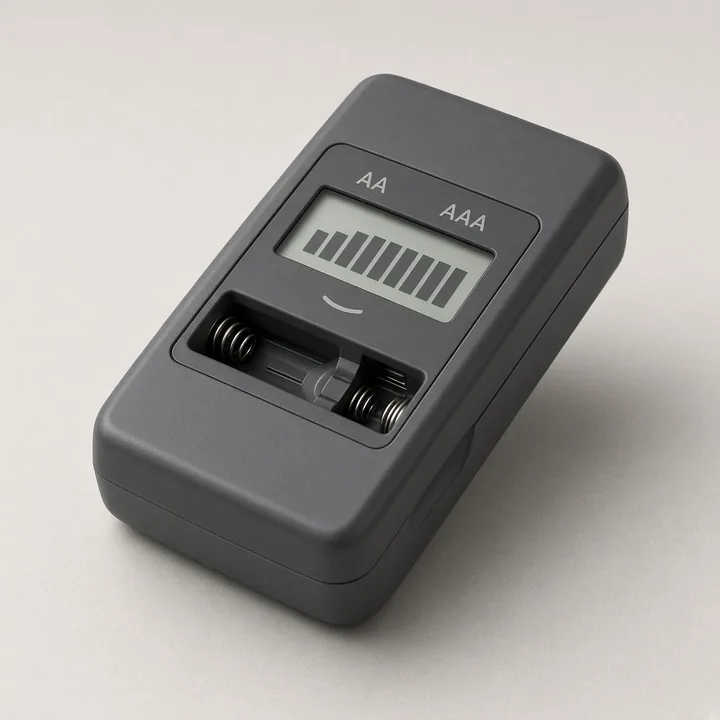 Battery tester
Quick good / low / dead check for household cells
New battery but still not working?
A fresh 2 × AAA should restore Roku Voice Remote if the battery was the problem. Work through the checks below before replacing the device.
- Check orientation
Confirm the cell is seated correctly: Negative (−) ends first as marked in compartment
- Check the battery type
This device needs 2 × AAA (alkaline). Rechargeable cells are only suitable when the manufacturer accepts that chemistry — set battery type in device settings if available. Same size does not always mean the same battery.
3 more checks
- Check known model-specific issues
Re-pairing or a short reset may be required after a battery change. Identify Voice Remote by model (e.g. RCAL7R) — Voice Remote Pro is sealed rechargeable, not 2× AAA. Check the compartment marking: some Roku remotes use AA instead of AAA.
- Confirm the battery itself
If you have a battery tester or multimeter, check the cell. A low open-circuit voltage often means replace; for rechargeable AA/AAA, a capacity test is more informative than voltage alone.
- Still not responding?
If a correct, fresh battery installed properly does not restore the device, the fault may be elsewhere — the device may need service or replacement.