Canon · Digital cameras
Canon PowerShot A75 battery
4 × 1.5V alkaline cell
The Canon PowerShot A75 takes four AA alkaline batteries (kit) or Canon AA NiMH via the CBK4-200 / NB-2AH family. Later A-series often use only two AA — confirm quantity for your model.
How to replace it
| Compartment | Battery compartment in the camera body |
|---|---|
| How to open | Open the cover; insert four AA cells matching polarity; close firmly. |
| Orientation | Follow polarity marks |
| Access | Tool-free |
| Notes | Kit ships with four AA alkaline; CBK4-200 NiMH kit optional. |
Important
- Takes 4× AA alkaline or Canon AA NiMH.
- Do not assume 2× AA from later PowerShot A models.
Sources
Helpful for this device
Optional tools for opening, testing or charging. They do not change which battery you need.
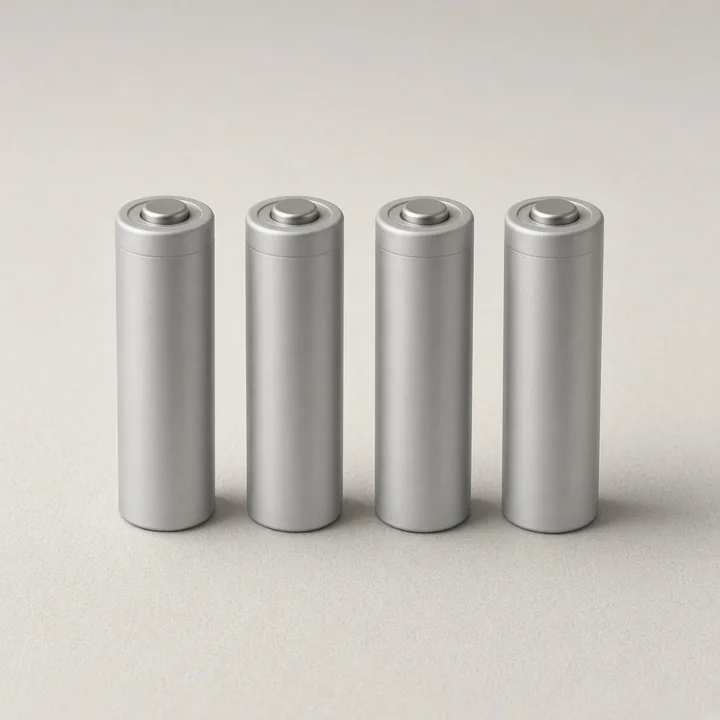 Panasonic eneloop AA (LSD NiMH)
Replacement AA cells when the device accepts NiMH
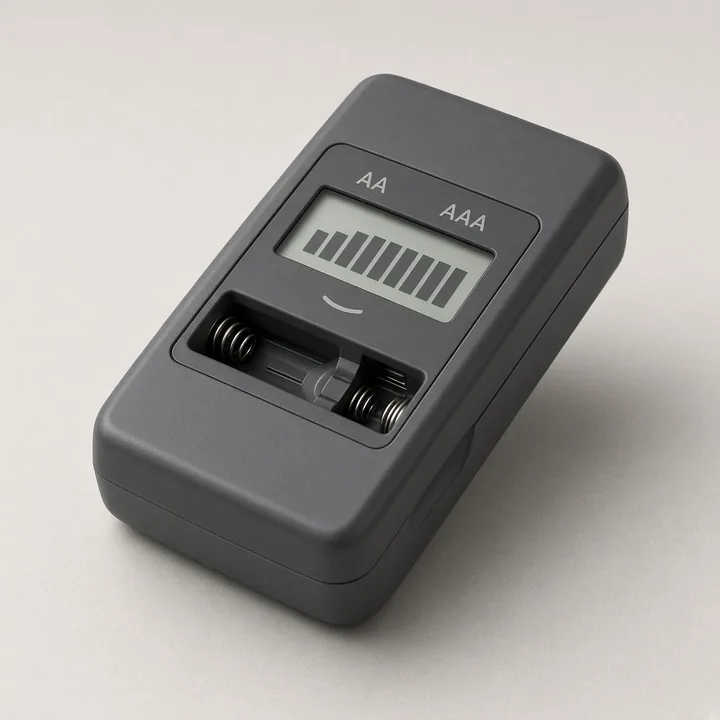 Ansmann Energy Check LCD
Quick household cell check (good / low / replace)
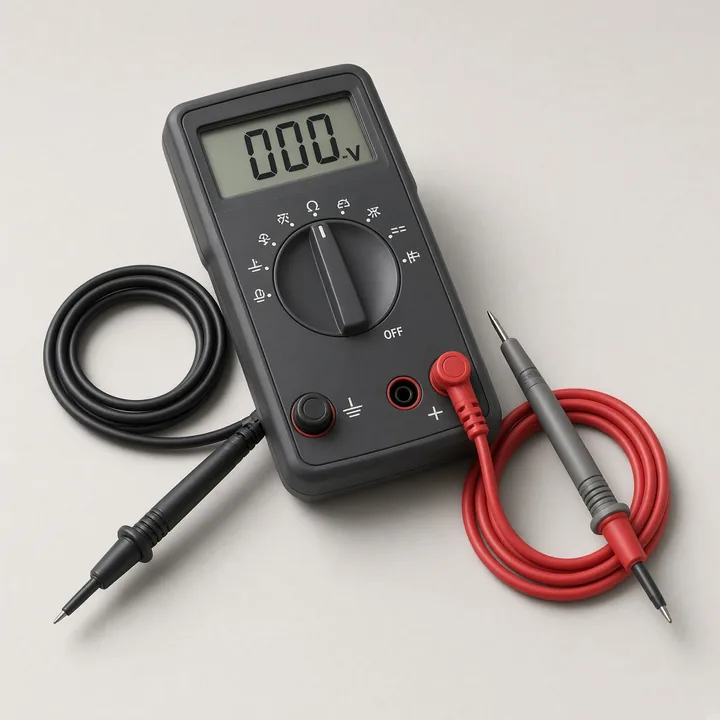 Digital multimeter
Measure open-circuit voltage and general electronics checks
New battery but still not working?
A fresh 4 × AA should restore Canon PowerShot A75 if the battery was the problem. Work through the checks below before replacing the device.
- Check orientation
Confirm the cell is seated correctly: Follow polarity marks
- Check the battery type
This device needs 4 × AA (alkaline). Supported chemistry: alkaline, NiMH. Rechargeable cells are only suitable when the manufacturer accepts that chemistry — set battery type in device settings if available. Same size does not always mean the same battery.
3 more checks
- Check known model-specific issues
Takes 4× AA alkaline or Canon AA NiMH. Do not assume 2× AA from later PowerShot A models.
- Confirm the battery itself
If you have a battery tester or multimeter, check the cell. A low open-circuit voltage often means replace; for rechargeable AA/AAA, a capacity test is more informative than voltage alone.
- Still not responding?
If a correct, fresh battery installed properly does not restore the device, the fault may be elsewhere — the device may need service or replacement.