Styluses & pens
Wacom Bamboo Ink battery
1 × 1.5V alkaline cell
Wacom’s Bamboo Ink product page names one AAAA alkaline battery. Twist the top open, insert with (−) facing up, close. Not Surface Slim Pen rechargeable pens.
How to replace it
| How to open | Twist the top end of the Bamboo Ink counterclockwise to open. Insert one AAAA with the negative (−) side facing up, then twist the top closed. |
|---|---|
| Orientation | Negative (−) side facing up toward the clip/top end |
| Access | Tool-free |
| Notes | AES vs MPP mode is selected with the side buttons — battery type stays AAAA. |
Important
- AAAA body cell only — not size 319 coin cells used in some Surface Pen caps.
- Bamboo Ink Plus / other Wacom pens may differ — confirm the exact model page.
Sources
Helpful for this device
Optional tools for opening, testing or charging. They do not change which battery you need.
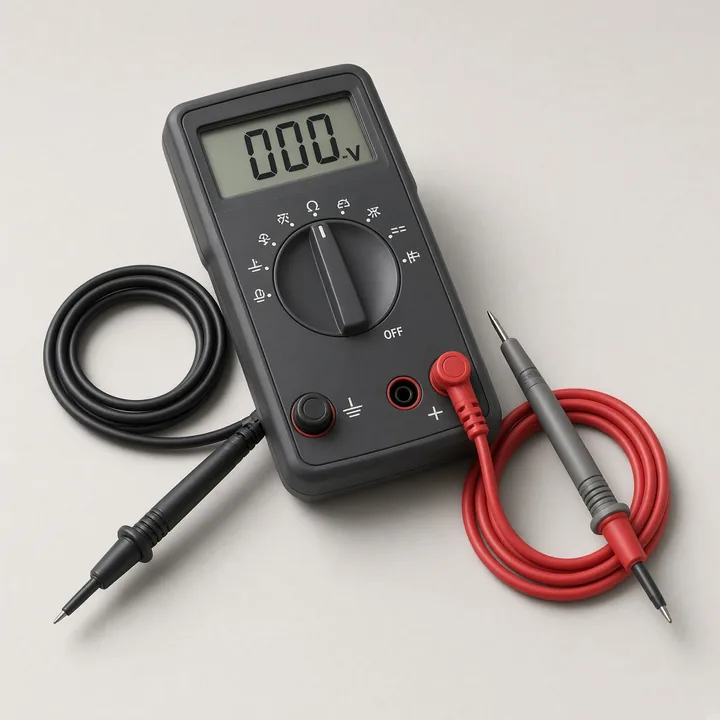 Fluke 101 Digital Multimeter
Accurate open-circuit voltage and basic electrical checks
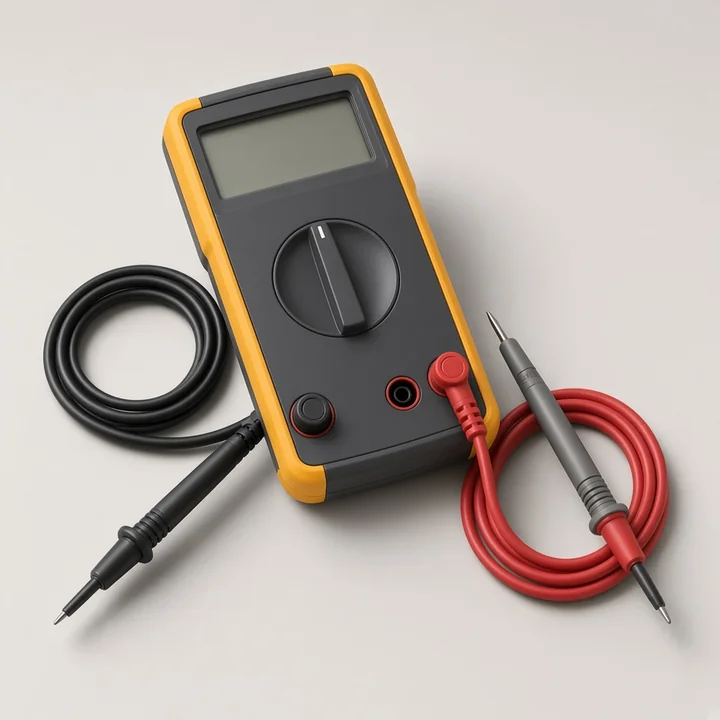 Klein Tools MM400 Multimeter
General DC voltage checks including battery terminals
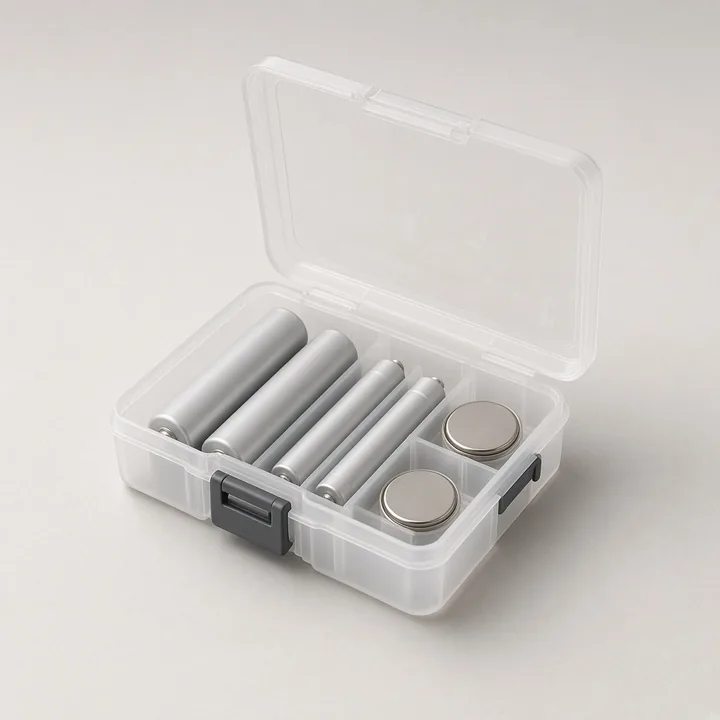 Battery storage / organiser
Keep spare cells sorted and prevent coin-cell shorts
New battery but still not working?
A fresh 1 × AAAA should restore Wacom Bamboo Ink if the battery was the problem. Work through the checks below before replacing the device.
- Check orientation
Confirm the cell is seated correctly: Negative (−) side facing up toward the clip/top end
- Check the battery type
This device needs 1 × AAAA (alkaline). Rechargeable cells are not supported for this device. Same size does not always mean the same battery.
3 more checks
- Check known model-specific issues
AAAA body cell only — not size 319 coin cells used in some Surface Pen caps. Bamboo Ink Plus / other Wacom pens may differ — confirm the exact model page.
- Confirm the battery itself
Try a known-good fresh cell of the exact code listed above.
- Still not responding?
If a correct, fresh battery installed properly does not restore the device, the fault may be elsewhere — the device may need service or replacement.