Ring · Smart home sensors
Ring Alarm Motion Detector (1st Gen) battery
1 × 3V lithium cell
Ring Alarm Motion Detector (1st Gen) takes 1× CR123A. Disarm the Alarm system before battery service. 2nd Gen is 2× AA — confirm generation first.
How to replace it
| How to open | Disarm Alarm. Press top tab to remove cover. Replace CR123A matching +/-. Close cover. |
|---|---|
| Orientation | Match +/- symbols |
| Low battery indicator | Low battery warning in Ring app |
| Notes | Do not confuse with 2nd Gen (2× AA). |
| Access | Tool-free |
Important
- Generation: 1st Gen uses 1× CR123A — not the same as 2nd Gen 2× AA.
Sources
Helpful for this device
Optional tools for opening, testing or charging. They do not change which battery you need.
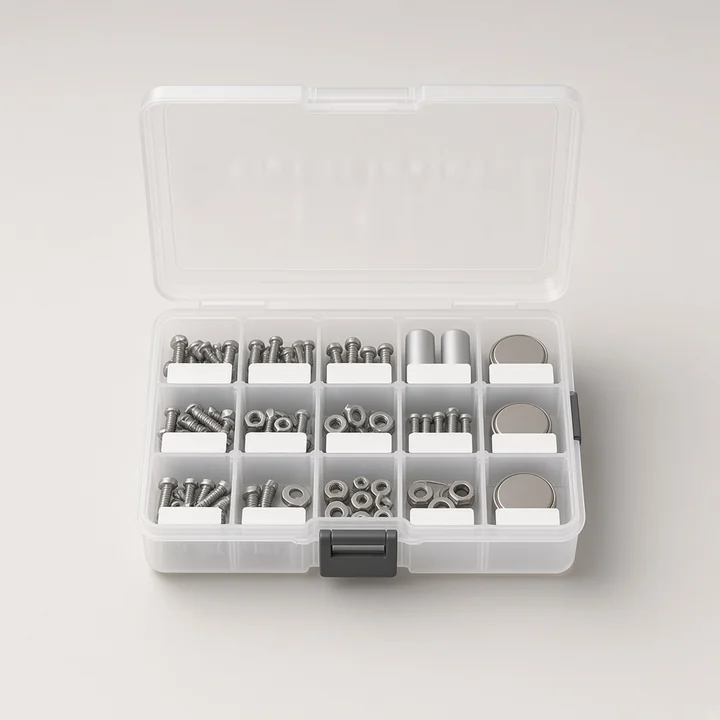 Small parts organiser by battery code
Multi-device fleets — separate compartments for verified cell codes and unit spares
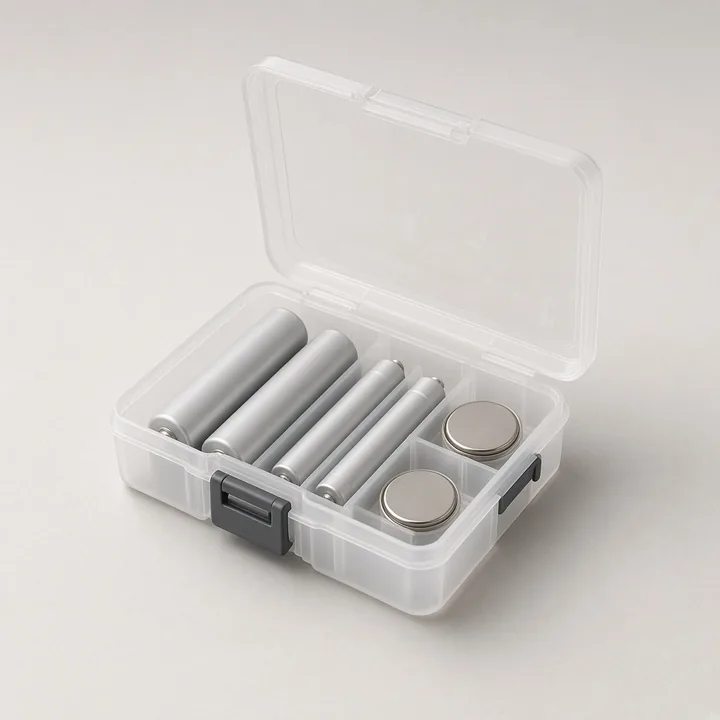 Battery storage organiser (AA/AAA/coin)
Keep spares sorted; reduce coin-cell short risk
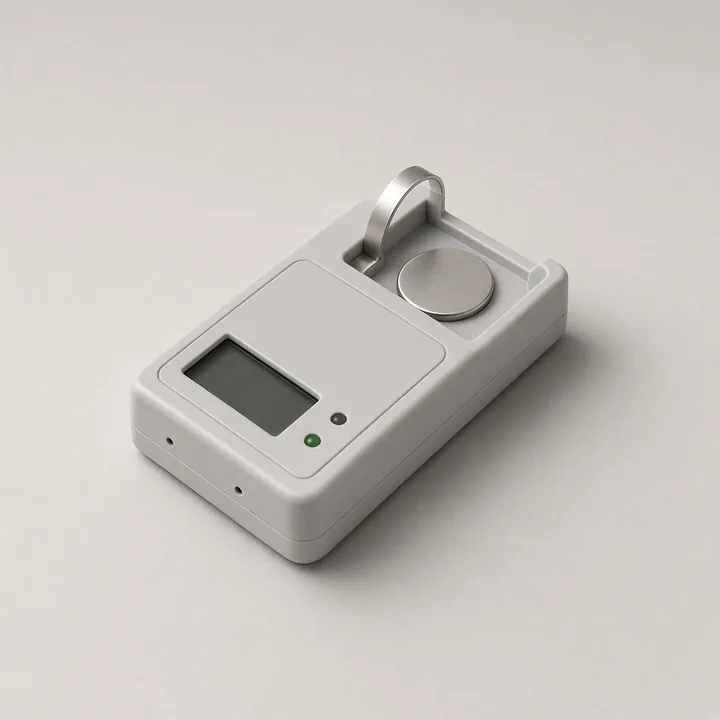 Coin / button cell tester
Quick check for CR / LR / SR coin cells
New battery but still not working?
A fresh 1 × CR123A should restore Ring Alarm Motion Detector (1st Gen) if the battery was the problem. Work through the checks below before replacing the device.
- Check orientation
Confirm the cell is seated correctly: Match +/- symbols
- Check the battery type
This device needs 1 × CR123A (lithium). Rechargeable cells are not supported for this device. Same size does not always mean the same battery.
3 more checks
- Check known model-specific issues
Generation: 1st Gen uses 1× CR123A — not the same as 2nd Gen 2× AA.
- Confirm the battery itself
For most coin cells, fitting a known-good fresh cell of the correct code is simpler than capacity testing.
- Still not responding?
If a correct, fresh battery installed properly does not restore the device, the fault may be elsewhere — the device may need service or replacement.