Cycling & fitness
Polar s3+ stride sensor battery
1 × 3V lithium coin cell
Polar’s s3+ stride sensor accessory manual lists Battery type: CR2430 (average 200 hours). Coin-twist cover; keep the sealing ring intact. Not CR2450.
How to replace it
| Compartment | Coin-twist battery cover on the sensor |
|---|---|
| How to open | Open the cover by turning counterclockwise to OPEN with a coin. Place the CR2430 in the cover with + facing the cover, reseat the sealing ring, press the cover in, and turn clockwise to CLOSE. |
| Orientation | Positive (+) side facing the cover |
| Access | Coin or simple twist |
| Notes | Replace the sealing ring if damaged. Battery kits with sealing rings are available from Polar retailers/service. |
Important
- CR2430 is thinner than CR2450 — do not substitute CR2450.
- Keep coin cells away from children.
- Sensor must be taught/paired to the Polar training computer after battery work if previously unpaired.
Sources
Helpful for this device
Optional tools for opening, testing or charging. They do not change which battery you need.
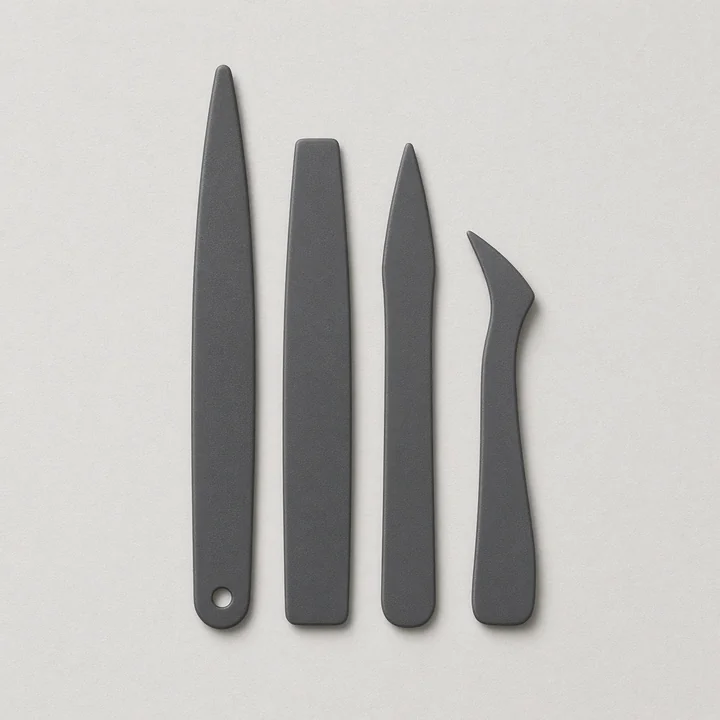 Nylon spudger and plastic pry set
Opening clip housings and recessed coin trays without metal marks
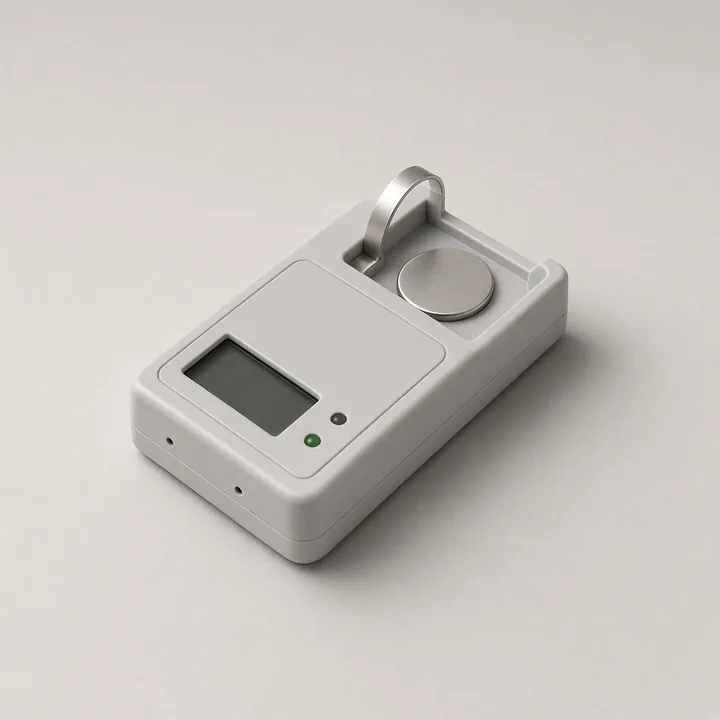 Coin / button cell tester
Quick check for CR / LR / SR coin cells
New battery but still not working?
A fresh 1 × CR2430 should restore Polar s3+ Stride Sensor if the battery was the problem. Work through the checks below before replacing the device.
- Check orientation
Confirm the cell is seated correctly: Positive (+) side facing the cover
- Check the battery type
This device needs 1 × CR2430 (lithium). Rechargeable cells are not supported for this device. Same size does not always mean the same battery.
3 more checks
- Check known model-specific issues
CR2430 is thinner than CR2450 — do not substitute CR2450. Keep coin cells away from children. Sensor must be taught/paired to the Polar training computer after battery work if previously unpaired.
- Confirm the battery itself
For most coin cells, fitting a known-good fresh cell of the correct code is simpler than capacity testing.
- Still not responding?
If a correct, fresh battery installed properly does not restore the device, the fault may be elsewhere — the device may need service or replacement.