Casio · Calculators
Casio fx-85ES PLUS battery
1 × 1.5V alkaline button cell
Solar-powered in bright light. The replaceable cell below is the backup battery for dim light or storage.
How to replace it
| Notes | Follow Casio user’s guide battery replacement steps for your model. |
|---|
Important
- Casio lists a built-in solar cell. The replaceable cell is the backup/button battery for dim light.
Sources
Helpful for this device
Optional tools for opening, testing or charging. They do not change which battery you need.
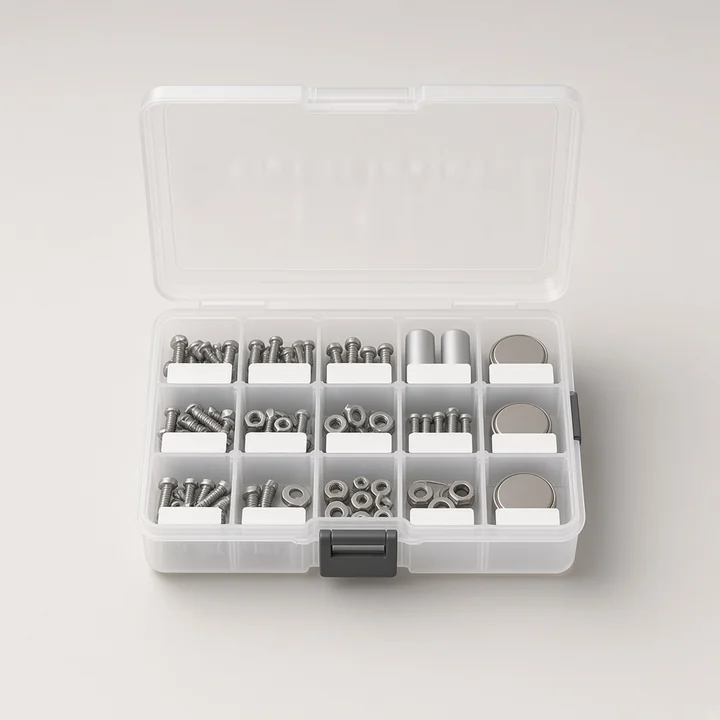 Small parts organiser by battery code
Multi-device fleets — separate compartments for verified cell codes and unit spares
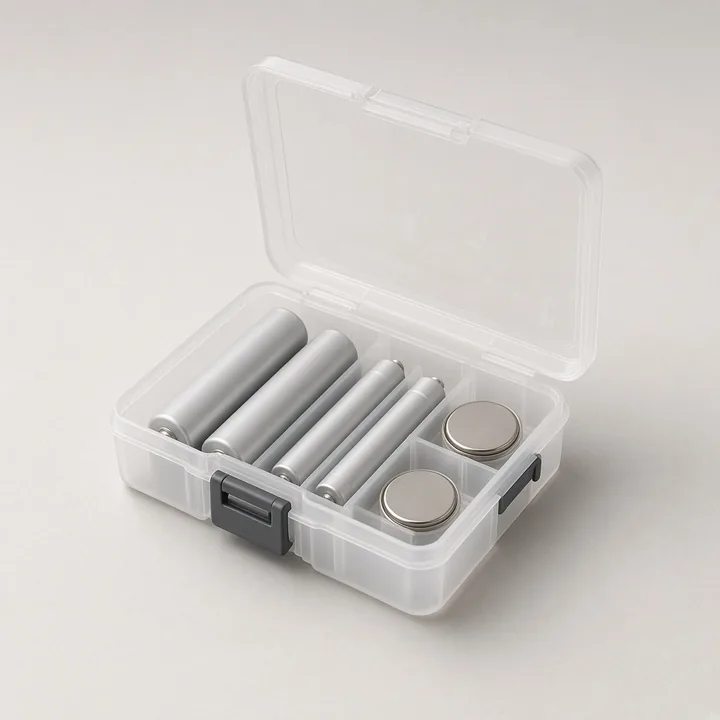 Battery storage organiser (AA/AAA/coin)
Keep spares sorted; reduce coin-cell short risk
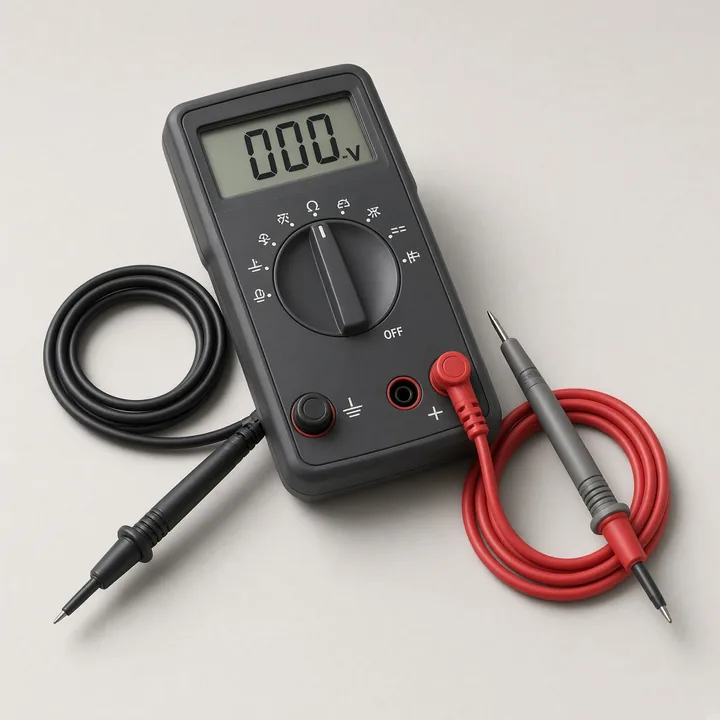 Digital multimeter
Measure open-circuit voltage and general electronics checks
New battery but still not working?
A fresh 1 × LR44 should restore Casio fx-85ES PLUS if the battery was the problem. Work through the checks below before replacing the device.
- Check the battery type
This device needs 1 × LR44 (alkaline). Rechargeable cells are not supported for this device. Same size does not always mean the same battery.
- Check known model-specific issues
Casio lists a built-in solar cell. The replaceable cell is the backup/button battery for dim light.
- Confirm the battery itself
For most coin cells, fitting a known-good fresh cell of the correct code is simpler than capacity testing.
- Still not responding?
If a correct, fresh battery installed properly does not restore the device, the fault may be elsewhere — the device may need service or replacement.