Casio · Calculators
Casio fx-570CW battery
1 × 1.5V alkaline cell
How to replace it
| Notes | Follow Casio user’s guide battery replacement steps for your model. |
|---|
Important
- Do not confuse with fx-991 sibling models that use solar + LR44.
Sources
Helpful for this device
Optional tools for opening, testing or charging. They do not change which battery you need.
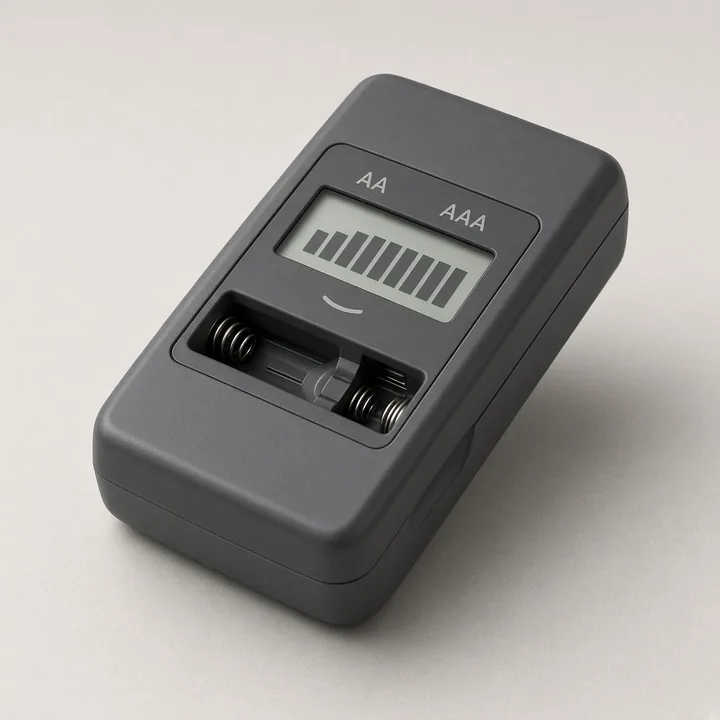 Ansmann Energy Check LCD
Quick household cell check (good / low / replace)
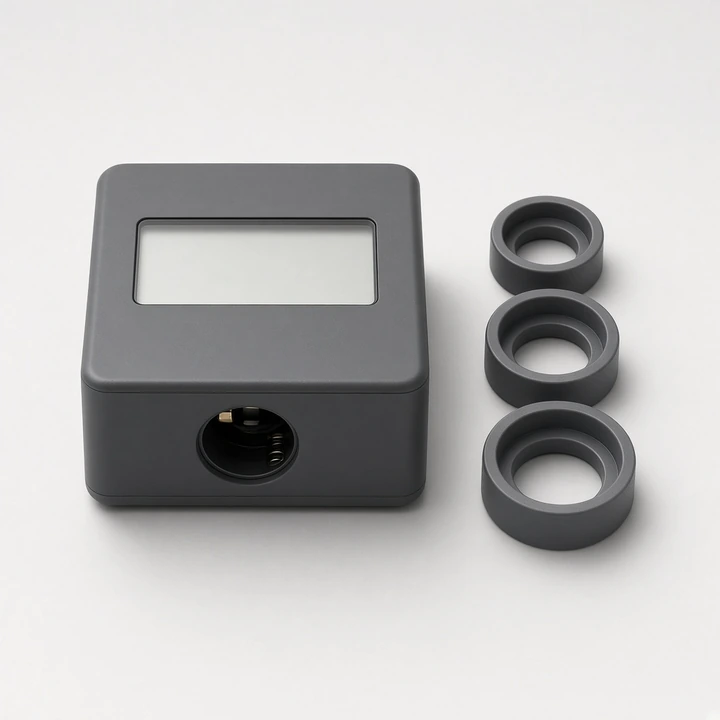 ZTS Mini-MBT Multi-Battery Tester
More informative state-of-charge style checks across common formats
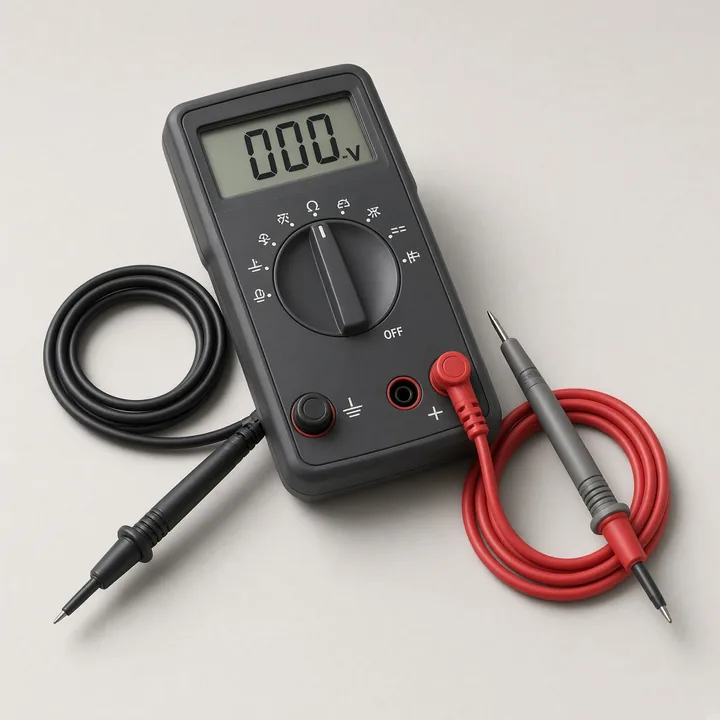 Digital multimeter
Measure open-circuit voltage and general electronics checks
New battery but still not working?
A fresh 1 × AAA should restore Casio fx-570CW if the battery was the problem. Work through the checks below before replacing the device.
- Check the battery type
This device needs 1 × AAA (alkaline). Rechargeable cells are not supported for this device. Same size does not always mean the same battery.
- Check known model-specific issues
Do not confuse with fx-991 sibling models that use solar + LR44.
- Confirm the battery itself
If you have a battery tester or multimeter, check the cell. A low open-circuit voltage often means replace; for rechargeable AA/AAA, a capacity test is more informative than voltage alone.
- Still not responding?
If a correct, fresh battery installed properly does not restore the device, the fault may be elsewhere — the device may need service or replacement.